
Most people do not look for a Weebly alternative because something suddenly breaks. They start looking because the website stops keeping up with the business. Pages feel dated, layouts are hard to change, integrations are limited, and every new idea feels harder to implement than it should.
In 2025, Weebly still works for very small and static sites, but many owners outgrow it. The good news is that there are several mature alternatives, each suited to a different type of project. This guide explains the most relevant options and why, for most Weebly users, Wix becomes the natural next step.
Why People Replace Weebly
The main reason people leave Weebly is not cost or reliability. It is flexibility.
As businesses grow, they want landing pages, service specific content, better storytelling layouts, and more control over how pages convert visitors. Weebly is designed to stay safe and simple, which makes it feel restrictive once you need more than the basics.
Another common issue is integrations. Marketing tools, automation platforms, and modern analytics setups are easier to connect on platforms with larger ecosystems. When a website becomes part of an active marketing funnel, these limitations start to matter.
These pain points are described in more detail in the Weebly Review, where the platform’s strengths and boundaries are mapped out clearly.
Wix: The Best Overall Replacement for Most Weebly Sites
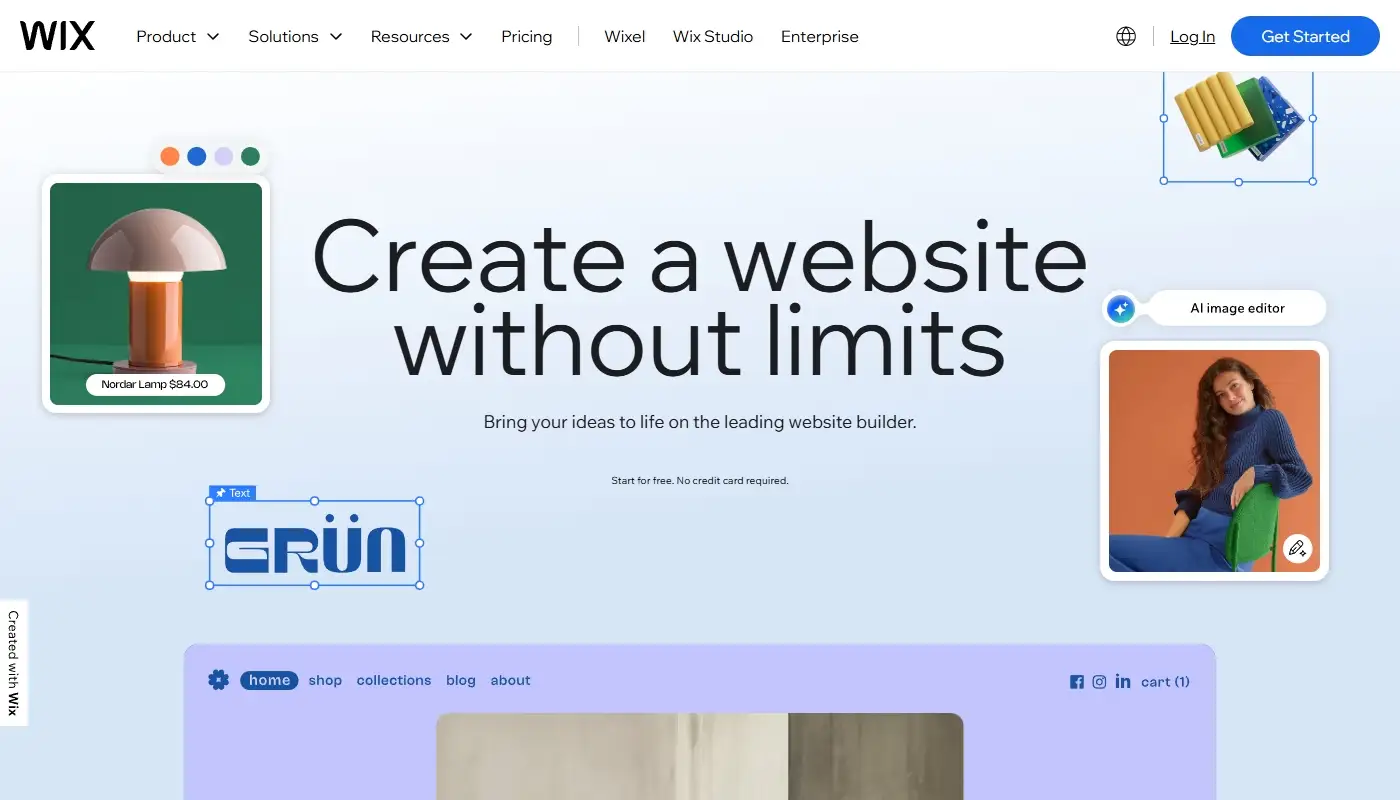
For the majority of Weebly users, Wix is the most balanced alternative. It keeps the hosted, no maintenance model but removes many of the creative and structural limits.
Comparison between Weebly and Wix shows thatthe latter offers more layout freedom, modern templates and an editor designed for ongoing changes. This is especially important for service businesses and local companies that update offers, publish new pages, and refine messaging regularly. Wix also includes a broader set of built in business tools, which reduces reliance on external services.
SEO is another reason Wix stands out. In 2025, Wix supports all core SEO tasks needed for business sites and handles redirects well, which is critical when moving from Weebly. The overall experience after migration is covered in depth in the Wix Review 2025, especially from the perspective of former Weebly owners.
Squarespace: A Design Focused Alternative

Squarespace is often considered by Weebly users who care primarily about visual presentation. Its templates are polished and consistent, and the editing experience is streamlined.
For portfolios, studios, consultants, and small brochure style sites, Squarespace can be a good fit. The trade off is flexibility. Squarespace encourages you to work within its design system. That makes it easy to maintain visual quality, but it can feel limiting if you want custom layouts or frequent structural changes.
Squarespace works best when design stability matters more than experimentation.
Webflow: More Control for Design Savvy Teams
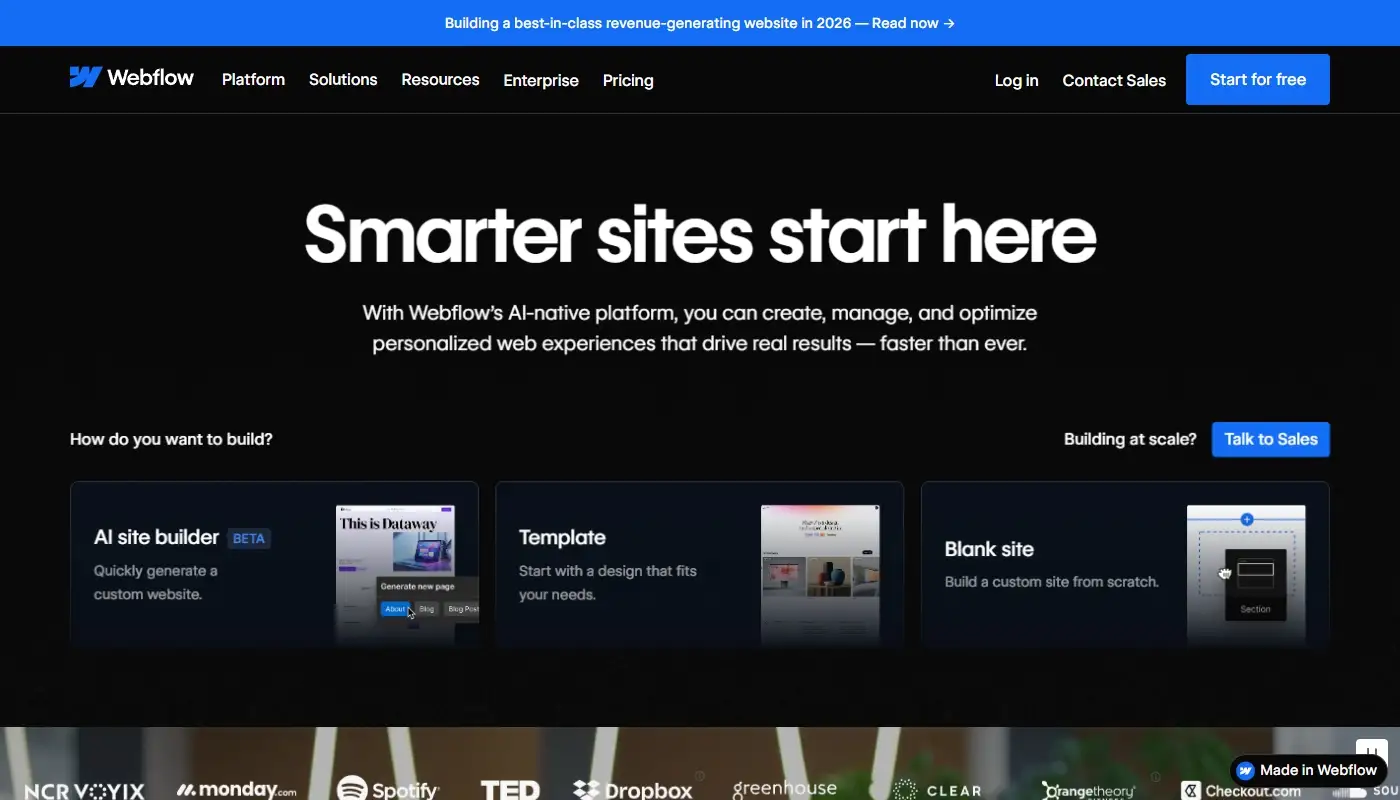
Webflow is a stronger option for teams that want more control than typical website builders provide, but do not want to manage servers like in WordPress. It is hosted and powerful, but it expects a higher level of design understanding.
For marketing sites, product pages, and custom layouts, Webflow can produce excellent results. For simple business sites or non technical owners, it may feel overwhelming compared to Wix.
Webflow is usually chosen by designers rather than by business owners themselves.
Shopify: When the Website Is Really a Store

Some Weebly users discover that their site is no longer just a website. It is an online store.
In that case, Shopify is often a better category shift than another general website builder. Shopify is built around ecommerce workflows, checkout optimization, and integrations with sales and fulfillment tools. It removes many of the compromises that come with running ecommerce on a general site builder.
If ecommerce is central to your business, Shopify deserves serious consideration. If the site is primarily about services or lead generation, Wix usually remains the better alternative.
Quick Comparison Table: Best Weebly Alternatives
| Platform | Best For | Editing and Design | SEO and Growth | Maintenance | Main Trade Off |
| Wix | Most Weebly sites upgrading for flexibility | Strong visual editor with modern layouts | Strong for typical business SEO and content | Very low | Less open than WordPress style systems |
| Squarespace | Design led portfolios and brochure sites | Polished templates, consistent styling | Good for smaller sites and focused content | Very low | Can feel restrictive for custom layouts |
| Webflow | Design teams needing more control | Advanced layout control and custom builds | Solid, but best with technical comfort | Low | Higher learning curve for non technical owners |
| Shopify | Ecommerce first businesses | Storefront focused themes and sections | Strong ecommerce SEO and app ecosystem | Very low | Overkill for non ecommerce sites |
Choosing the Right Alternative Based on Your Goals
The best Weebly alternative depends on what you want to improve.
If you want more flexibility without technical maintenance, Wix is usually the best choice. If design polish is your main priority and the site is relatively static, Squarespace can work well. If you want advanced design control and have design expertise, Webflow may be a fit. If selling products is your core focus, Shopify is the right direction.
Most Weebly users who want an upgrade without complexity end up choosing Wix because it improves day to day usability while keeping the hosted model intact.
Moving from Weebly to Wix the Right Way
Switching platforms should feel like an upgrade, not a reset. A proper migration focuses on preserving content, rebuilding key pages with better structure, matching branding, and setting up redirects so visitors and search engines land on the correct pages.This approach allows you to keep what works while removing the platform limits that slowed you down. On weexly.net, the focus is exactly that: moving from Weebly to Wix in a planned, SEO aware way.