Most people do not look for a Weebly alternative because something suddenly breaks. They start looking because a gap opens up, between what the business needs from its website and what the platform can actually deliver. A layout that cannot be adjusted the way you want. A third-party tool that will not connect cleanly. A page that looks exactly the same as it did three years ago, because there is nothing new to work with.
That gap has widened considerably since Square acquired Weebly in 2018. Development effectively stopped. The mobile app was discontinued. The app store closed to new submissions. Square began directing new users to its own Square Online product instead. For existing Weebly users, the platform still loads, but it is no longer a platform anyone is investing in, which means the ceiling gets lower every year as competitors accelerate.
The good news: the alternatives are strong, well-maintained, and in most cases represent a meaningful upgrade rather than a lateral move. This guide maps the most relevant options and explains which type of project each one suits best.
Why People Replace Weebly
The decision to leave Weebly is rarely triggered by a single moment. It tends to accumulate. A client asks for a booking system and the only options available are outdated embeds. A redesign stalls because the editor won’t allow the layout changes you have in mind. A marketing campaign needs a dedicated landing page with conversion tracking, and building it properly requires workarounds that cost more time than the campaign itself.
Underneath these specific frustrations is a structural reality: Weebly was built for a simpler era of the web, and it has not been updated to reflect how websites actually function as business tools today. No schema markup for richer search results. No meaningful control over mobile layout. An app ecosystem frozen since 2020. Templates that were designed before responsive design became standard practice.
For businesses at an early stage with a simple informational need, none of this may matter yet. For businesses that want their website to do real work – attract search traffic, qualify leads, reflect brand quality, connect to a marketing stack – it matters a great deal.
The Weebly Review maps out these limitations in detail, alongside an honest account of what the platform still does well.
Wix: The Best Overall Replacement for Most Weebly Sites
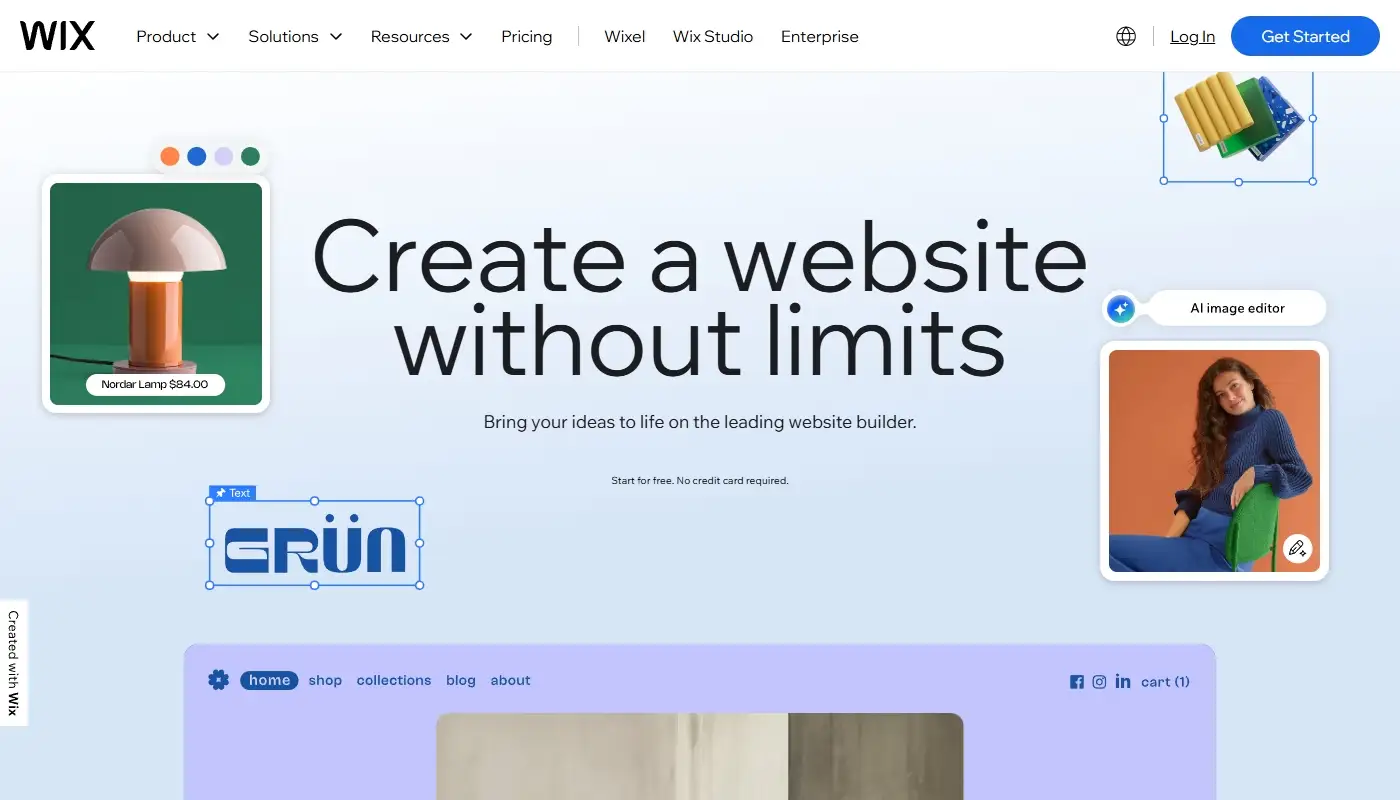
For the majority of Weebly users, Wix is the most direct upgrade path. It preserves everything familiar: hosted infrastructure, no server management, a visual editor, while removing the constraints that made Weebly feel limiting. The editor gives you genuine positional freedom: elements go where you put them, not where the template allows. Page structure can evolve without starting over. Mobile layouts can be adjusted independently rather than inherited automatically from desktop.
Beyond the editor, Wix has built a business-ready ecosystem that covers the tools most growing websites need without requiring external integrations for every function: appointment booking, ecommerce, CRM, blog, forms with automation, restaurant ordering, and an actively maintained app market with several hundred third-party extensions. For a business moving off Weebly’s frozen app store, this difference is immediately felt.
Wix is also one of the few hosted platforms that has invested seriously in AI tooling – content generation, design assistance, automated meta tag suggestions, and optimization features for AI-powered search engines, making it a platform built for how search and discovery works now, not how it worked when Weebly was last updated.
The Weebly vs Wix comparison covers the key differences in detail. For a deeper look at how Wix performs specifically from a former Weebly owner’s perspective, the Wix Review is the right starting point.
Squarespace: A Design Focused Alternative

Squarespace occupies a specific and well-defined position in the market: it produces visually refined output with less effort than most alternatives, by trading layout flexibility for design consistency. The templates are genuinely good – better, on average, than what most non-designers would produce with full freedom – and the editing experience is deliberately structured to keep results looking coherent.
For Weebly users whose primary frustration is that the site looks dated rather than that it lacks capability, Squarespace is a natural consideration. Photographers, architects, consultants, and creative studios tend to find it well suited to their needs. The built-in tools for selling digital products, services, and subscriptions have also improved substantially, making it viable for straightforward ecommerce use cases.
The trade-off is worth naming clearly: Squarespace resists customization that falls outside its design system. If your growth plan involves complex integrations, a large content library, or structural changes that require layout-level control, you may find it constraining within a year or two. It is a platform that rewards users who want their site to stay consistent – and occasionally frustrates those who want it to change.
Webflow: More Control for Design Savvy Teams
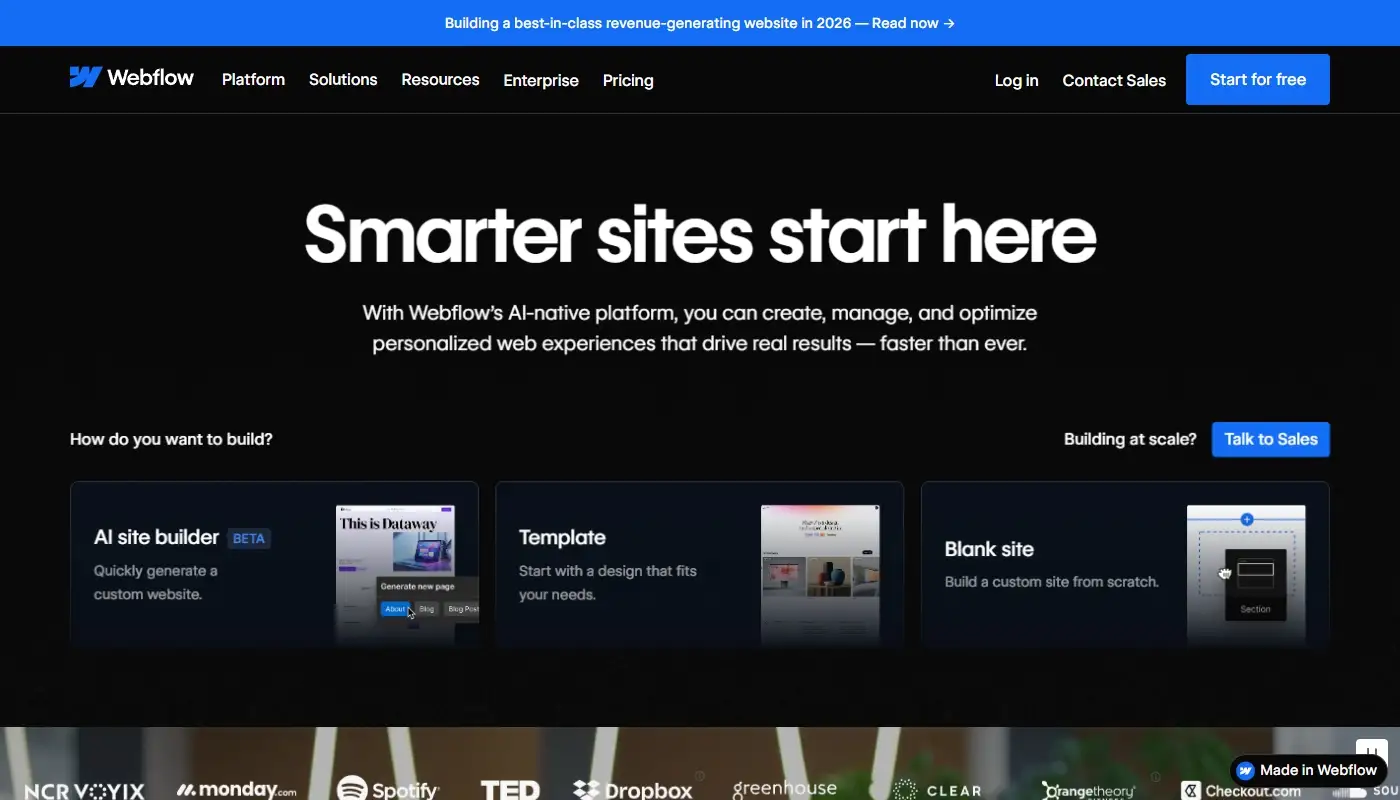
Webflow operates at a different level of abstraction than the other alternatives on this list. Rather than providing templates and content blocks, it gives you direct visual control over the underlying layout structure – CSS grid, flexbox, spacing, typography systems, and animation – without requiring you to write the code yourself. The results can be exceptional: precise, fast-loading, and visually distinctive in ways that template-based builders rarely achieve.
For Weebly users whose primary frustration is design constraint – where the site simply cannot be made to look the way the brand demands – Webflow addresses that directly. It is particularly well suited to marketing teams, digital agencies, and product companies where the visual experience is a genuine competitive differentiator.
The honest caveat: Webflow requires investment to learn, and that learning curve is steeper than most business owners want to take on while running a company. Content updates that would take minutes in Wix or Squarespace can require more careful handling in Webflow. It is a tool that rewards design proficiency. For non-technical owners who want a capable site without becoming platform experts, it is usually not the right choice.
Shopify: When the Website Is Really a Store

For a subset of Weebly users, the migration moment is also a moment of clarity: the website is not really a website anymore. It is a store that happens to have a few informational pages attached to it. If that describes your situation, the right move may not be to another general-purpose website builder at all.
Shopify is purpose-built for ecommerce in a way that no general builder matches. Every workflow – product management, inventory, checkout, order fulfillment, returns, multi-channel selling – has been engineered around retail operations. The app ecosystem is enormous and commerce-specific. Payment processing, shipping integrations, abandoned cart recovery, and subscription billing are native rather than bolted on.
The practical implication: if more than half of your website’s purpose is selling physical or digital products, Shopify will almost certainly outperform a general builder for that use case. If the site is primarily about services, lead generation, and brand communication with ecommerce as a secondary function, Wix handles both adequately and avoids the overhead of maintaining a dedicated commerce platform for a relatively small volume of transactions.
Quick Comparison Table: Best Weebly Alternatives
| Platform | Best For | Editing and Design | SEO and Growth | Maintenance | Main Trade Off |
| Wix | Most Weebly sites upgrading for flexibility | Strong visual editor with modern layouts | Strong for typical business SEO and content | Very low | Less open than WordPress style systems |
| Squarespace | Design led portfolios and brochure sites | Polished templates, consistent styling | Good for smaller sites and focused content | Very low | Can feel restrictive for custom layouts |
| Webflow | Design teams needing more control | Advanced layout control and custom builds | Solid, but best with technical comfort | Low | Higher learning curve for non technical owners |
| Shopify | Ecommerce first businesses | Storefront focused themes and sections | Strong ecommerce SEO and app ecosystem | Very low | Overkill for non ecommerce sites |
What the Migration Process Actually Involves
A common concern for Weebly users considering a move is what happens to the content and structure they have already built. The honest answer is that no platform offers a one-click import from Weebly that produces a clean, production-ready result. What works is a planned rebuild – treating the migration as an opportunity to improve the site rather than simply replicate it on different infrastructure.
In practice, a well-executed Weebly migration preserves the content you have invested in: page copy, headings, images, and the overall information architecture. It rebuilds the things that Weebly constrained: layout and visual structure, mobile behaviour, forms and lead capture, conversion tracking, and SEO foundations including clean URL patterns, page-level metadata, and the redirect setup that prevents existing search rankings from evaporating after launch.
The redirect step deserves particular emphasis. When a site moves platforms, URLs often change. Without a redirect plan that maps old Weebly URLs to their new equivalents, visitors who click older links reach broken pages, and any ranking a page had built in Google is lost rather than transferred. This is the most common and most avoidable source of post-migration traffic loss.
Done well, a migration from Weebly is not a reset. It is an upgrade – the same content on a foundation that can do more with it.
Choosing the Right Alternative Based on Your Goals
The best Weebly alternative depends on what you want to improve.
If you want more flexibility without technical maintenance, Wix is usually the best choice. If design polish is your main priority and the site is relatively static, Squarespace can work well. If you want advanced design control and have design expertise, Webflow may be a fit. If selling products is your core focus, Shopify is the right direction.
Most Weebly users who want an upgrade without complexity end up choosing Wix because it improves day to day usability while keeping the hosted model intact.
Moving from Weebly to Wix the Right Way
Switching platforms is most valuable when it is treated as a strategic move rather than a technical exercise. The goal is not to produce a copy of your Weebly site on different infrastructure – it is to arrive on a platform where your website can actually grow, with the structural foundations in place to support that growth from day one.
That means clean URL architecture, properly configured redirects, metadata that reflects what each page is actually about, and a design that represents the business as it is now rather than as it was when the Weebly site was first built. On weexly.net, moving from Weebly to Wix is handled as exactly that kind of project – planned, SEO-aware, and focused on what the site needs to do after the migration, not just during it.